AppsPricingSupportBlog

DNS Leak Test

A DNS leak test checks if your internet traffic is going through your chosen DNS

Loading

Protect your online activity

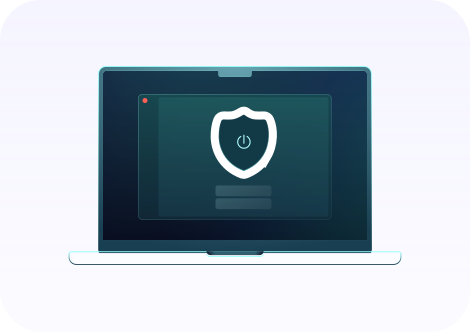
ClearVPN ensures all your DNS requests are securely routed through an encrypted tunnel, blocking any potential leaks. We keep no logs, so your privacy remains fully protected.

What is a DNS leak?

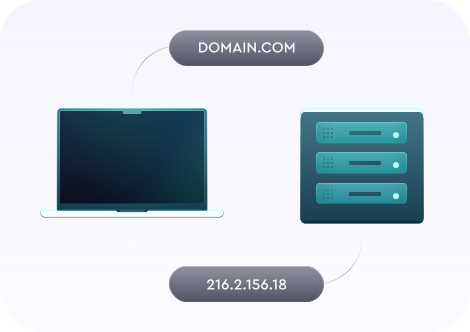
DNS (Domain Name System) creates IP addresses from domain names. Your browser usually uses those IP addresses to load web pages. Every device on the web has its own IP address, and other devices use this IP address to connect to it. But sometimes, leaks happen.

Even if your VPN is on, your gadget can send a DNS request to the wrong server and reveal what website you are currently visiting. However, DNS leaks can happen even if you don't use a VPN. DNS influences your online activity, so fixing any potential DNS leaks is crucial.

What causes a DNS leak?

Incorrect network settings

In this case, your web traffic may return to the ISP route instead of the encrypted VPN tunnel.

Manually configured VPN

A VPN connection you manually set inherently puts you at a higher risk of a DNS leak.

Third-party apps

Unknown apps may alter your DNS settings and compromise your online privacy. Double-check what you install.

Hacker attacks

If a hacker controls your connection, he can make your device channel DNS traffic around your VPN.

Why a DNS leak is dangerous?

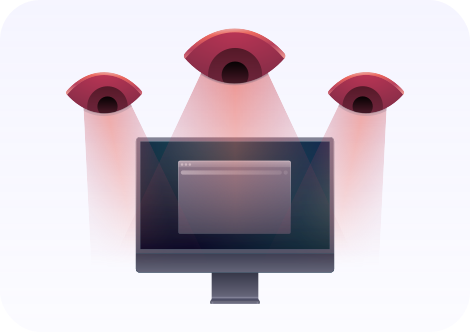
In some countries with authoritarian regimes, citizens may not be entitled to privacy. In this case, the government may collect the data for surveillance, monitoring, and propaganda purposes.
A DNS leak might allow hackers to check which websites you visit. They can use that information to redirect you to harmful domains or perform malicious phishing attacks.
When a DNS leak occurs, everybody can see what you are doing online. Third parties can sell the data they collect from you, like your browsing history, location, and personal information, for a profit.

How to fix and prevent a DNS leak?

  • Use a robust VPN with a DNS leak-prevention feature;
  • Clear DNS cache regularly. If somebody can access your browsing history, they can track you online;
  • In case of an IPv6 DNS leak, completely disable IPv6 in your network by changing your router settings;
  • Whoever runs your DNS servers can track you online, so you better make sure they are set to the correct parameters. Contact your internet provider if you're unsure which ones you should use;
  • If it's a router DNS leak, you can fix it by updating the firmware to the correct DNS settings.

How ClearVPN protects you from a DNS leak?

ClearVPN has top-tier encryption, advanced VPN protocols, and a DNS leak protection feature. It directs the DNS requests from your device to an encrypted channel and keeps your data secure. And there’s more ClearVPN can do for you.

  1. Faster DNS servers than the standard ones will safeguard your data and protect you from possible cyber threats.
  2. Hide your real IP address and stay anonymous online. This will make it harder for others to determine who and where you are.
  3. DNS leak protection will prevent your online activity from exposure.
  4. AES-256 encryption will secure your data when you are online.
  5. The Kill Switch feature will safeguard your privacy if the VPN connection is lost.
  6. No-logs policy. We don’t track or share your online moves, browsing history, or DNS queries.
Get ClearVPN
Notarized by Apple